Accounting setup
Policy, chart of accounts, posting maps, fiscal year, and opening books. Finish this before the first sale. Sell and Add product bounce here until openings are confirmed.
Who uses this
The owner sets policy, mappings, tax pack, and period lock. An accountant posts journals and prepares filings. They do not change tax settings or posting maps.
What you need first
- Owner sign-in
- Organization legal name and country saved
Steps
1. Set policy on Organization
Open Organization. Set timezone, fiscal-year start, cash or accrual, and how transfers settle (clearing or direct bank). Save. These choices pin how later sales and bank lines post.
2. Open Accounting
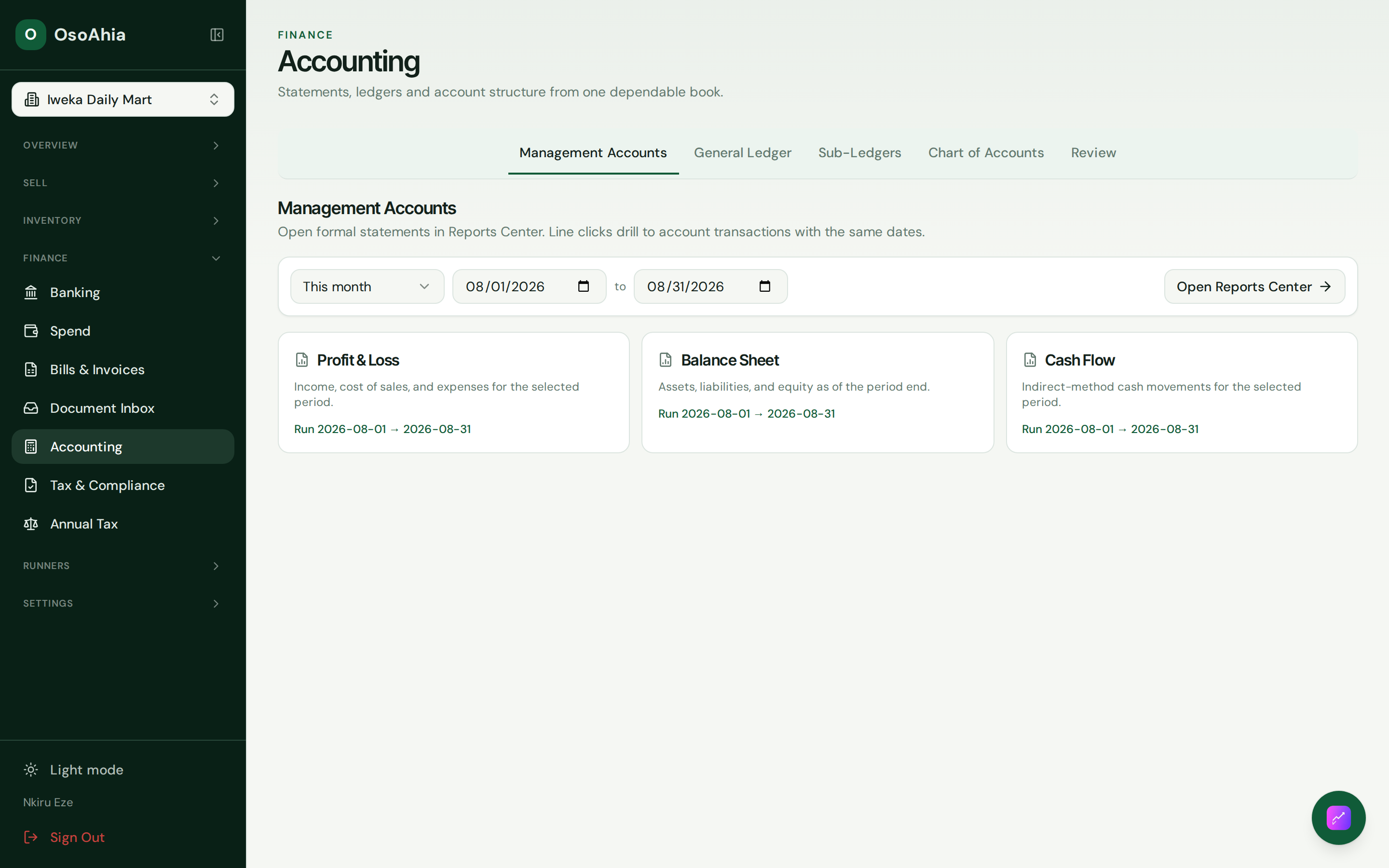
Open Accounting. The hub is statements, the general ledger, sub-ledgers, the chart, and Review. Create the current fiscal year if the calendar is empty. A year needs 12 periods before you sell.
3. Check the chart and mappings
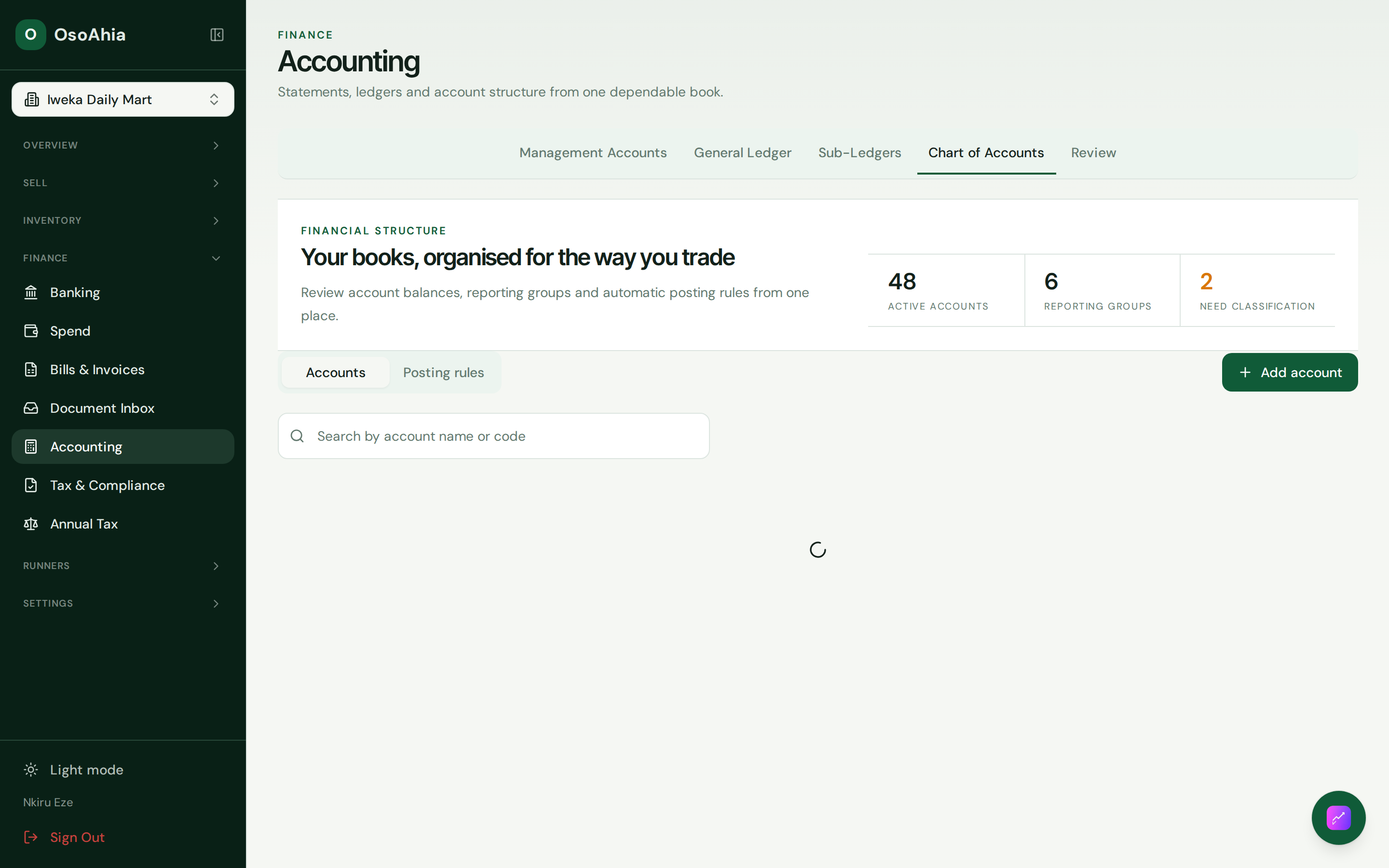
Open Chart of Accounts. A new shop should already have cash, bank, sales, COGS, inventory, and tax roles after the chart is seeded. Open Mappings and confirm every required role has an account. Do not invent extra income accounts for POS deposits. Mapping changes are owner work.
4. Confirm opening books
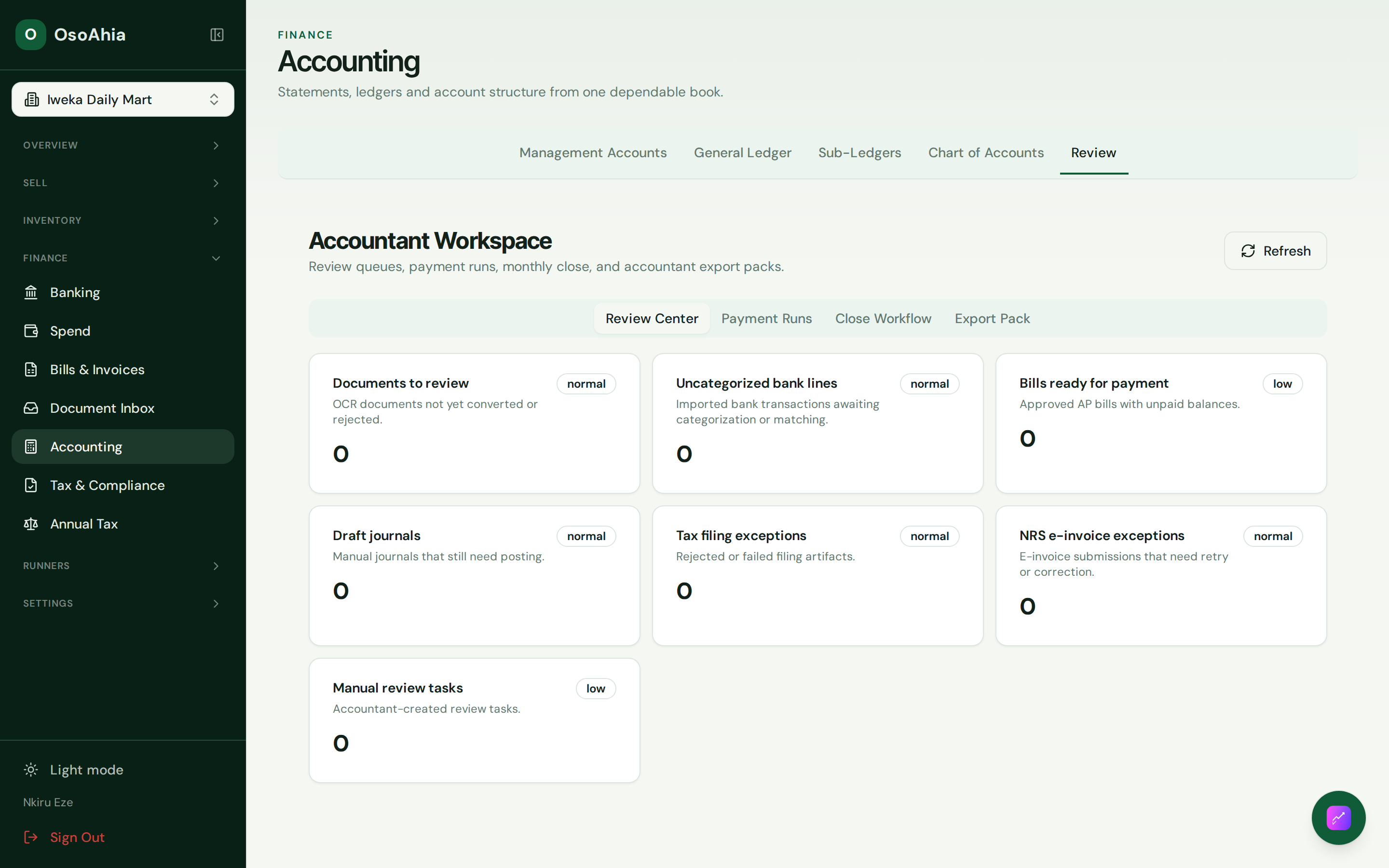
Open Review or Opening balances. For a new shop, keep accounts, receivables, payables, and opening stock at zero unless you have counted books. Press Save and validate. The summary should say this is a zero opening when that is true. Press Confirm opening books, type a short note, then Confirm and lock. Reload. The status stays Confirmed.
Until this is confirmed, Sell and Add product send you back here.
5. Keep tax pack and period lock with the owner
Tax settings and the filing profile stay on the owner. The accountant files and posts. Period lock is owner work. Period reopen stays owner-only.
What done looks like
- The fiscal year has 12 periods.
- Opening books show Confirmed and stay locked.
- Required account roles are mapped. Guided setup marks opening books ready.
- The first till sale posts a balanced journal to sales, tax, cash or bank, and COGS when stock moves.
Common mistakes
- Do not sell before you press Confirm opening books.
- Do not edit a journal to fix a sale. Reverse from the sale or expense screen.
- Leave opening stock at zero here if you will enter counted stock on each product.
- Do not hand an accountant the tax pack or posting maps.