Runner phone
The field job on a phone: search a store, reserve a pickup, carry a bag, log a sale, then settle credit.
Who uses this
A linked runner uses this on their own phone. The owner links them from Runners. Cashiers stay on the till.
What you need first
- The runners tool is on for the shop
- The owner has linked this runner and listed stock on the program
- The runner profile is approved
Steps
1. Search store stock
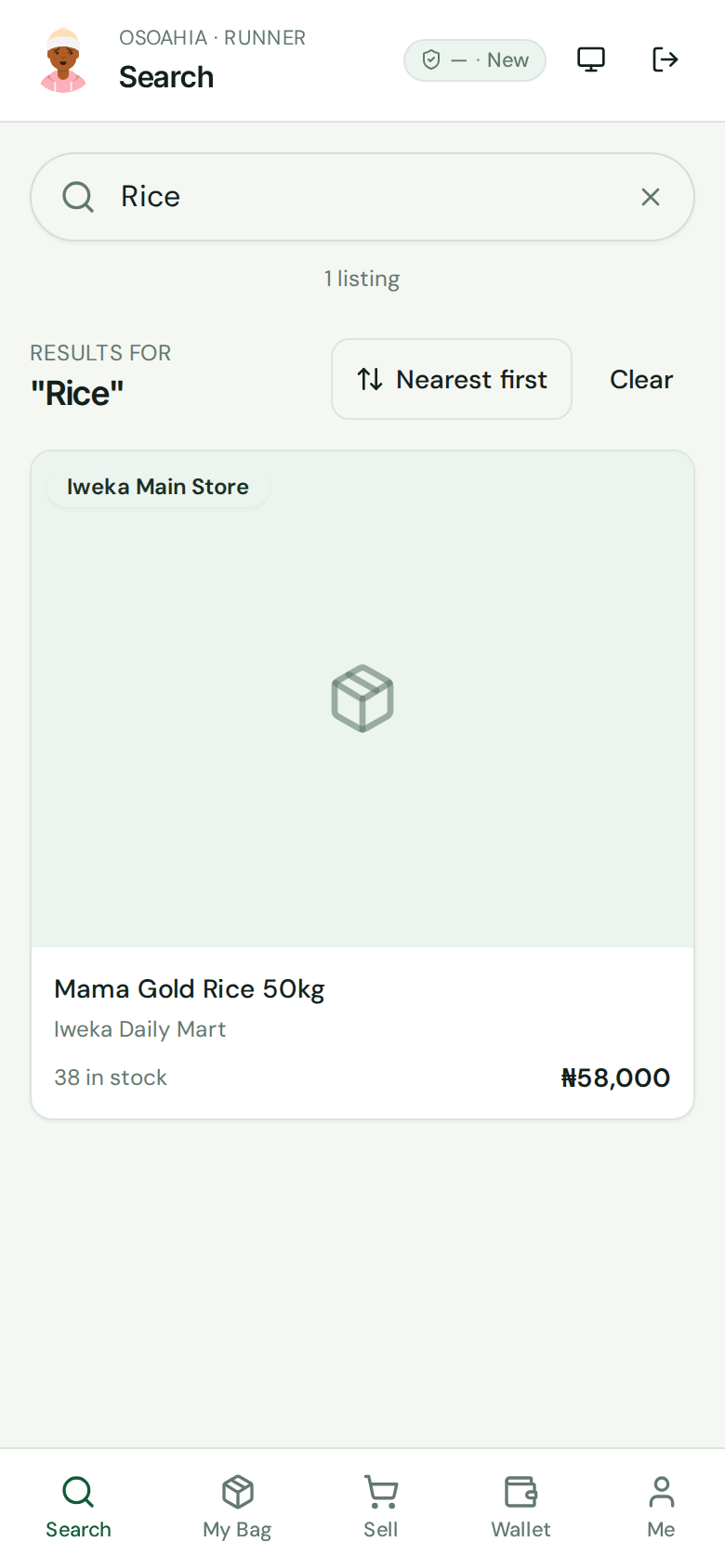
Sign in on the runner phone. Search is the first tab. Type the item. Open a listing to see price, stock, and the store.
2. Reserve a pickup
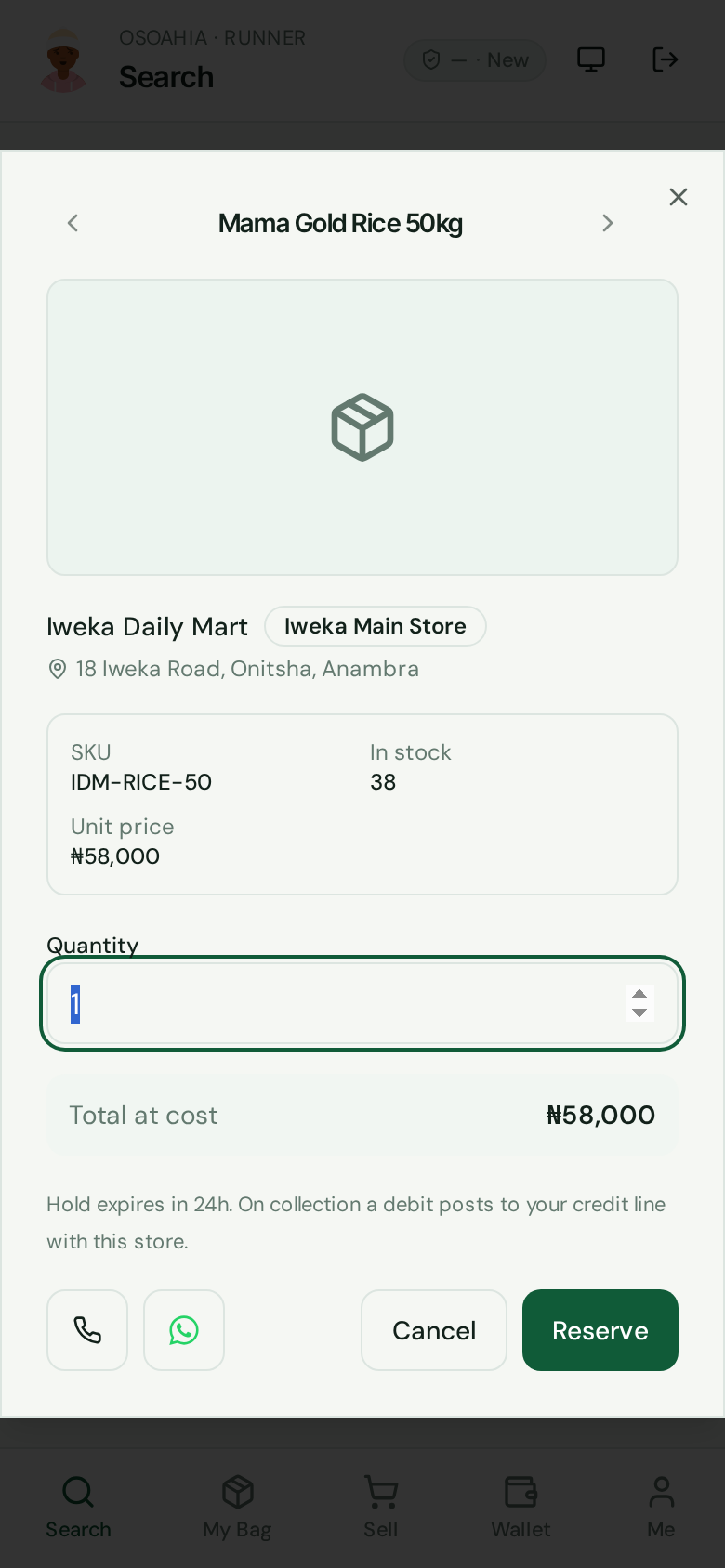
Set the quantity. Press Reserve. The hold lasts a day. Collect at the store before it expires, or extend it. This is not till cash.
3. Check My Bag
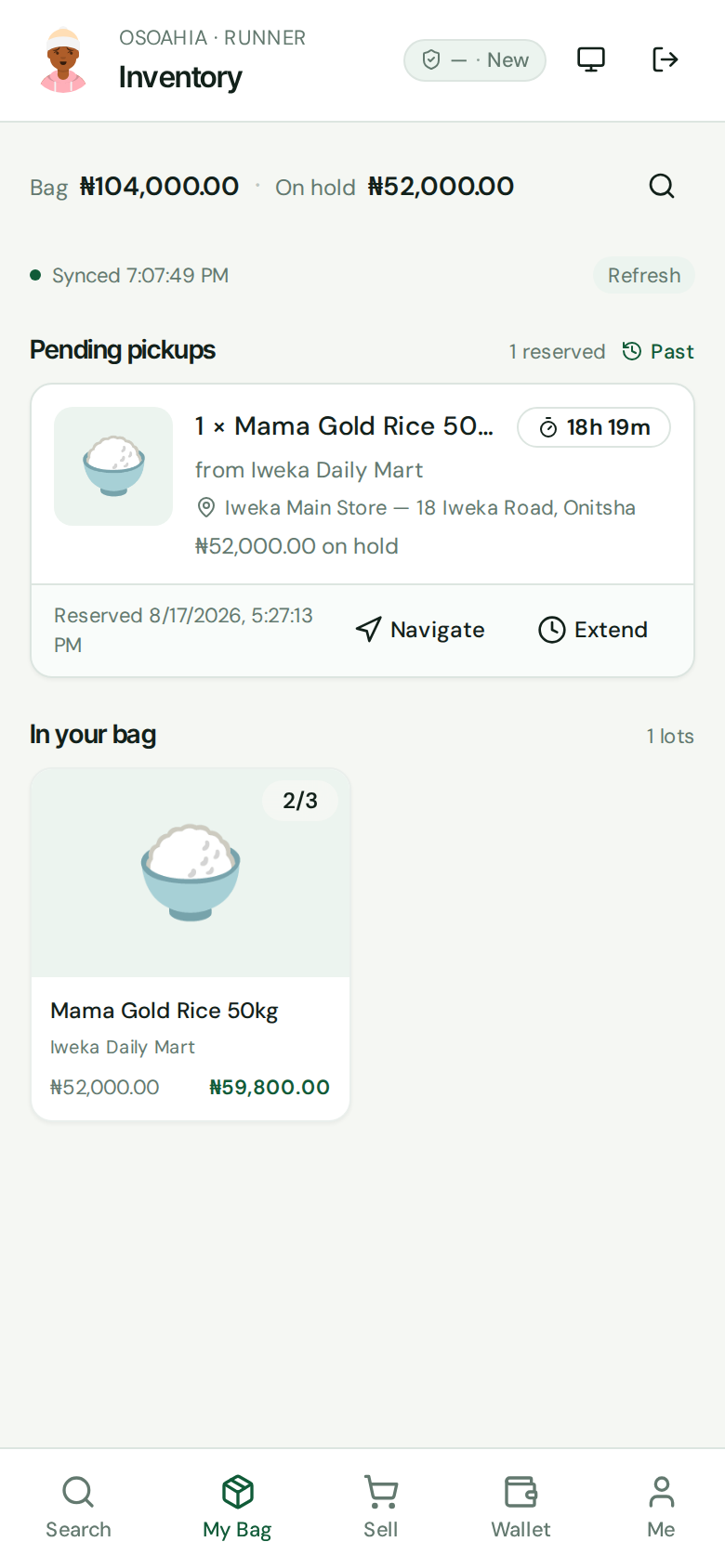
Open My Bag. On hold is reserved, not yet collected. Bag is stock you already picked. Sell from collected stock. Return what you did not move.
4. Log a field sale
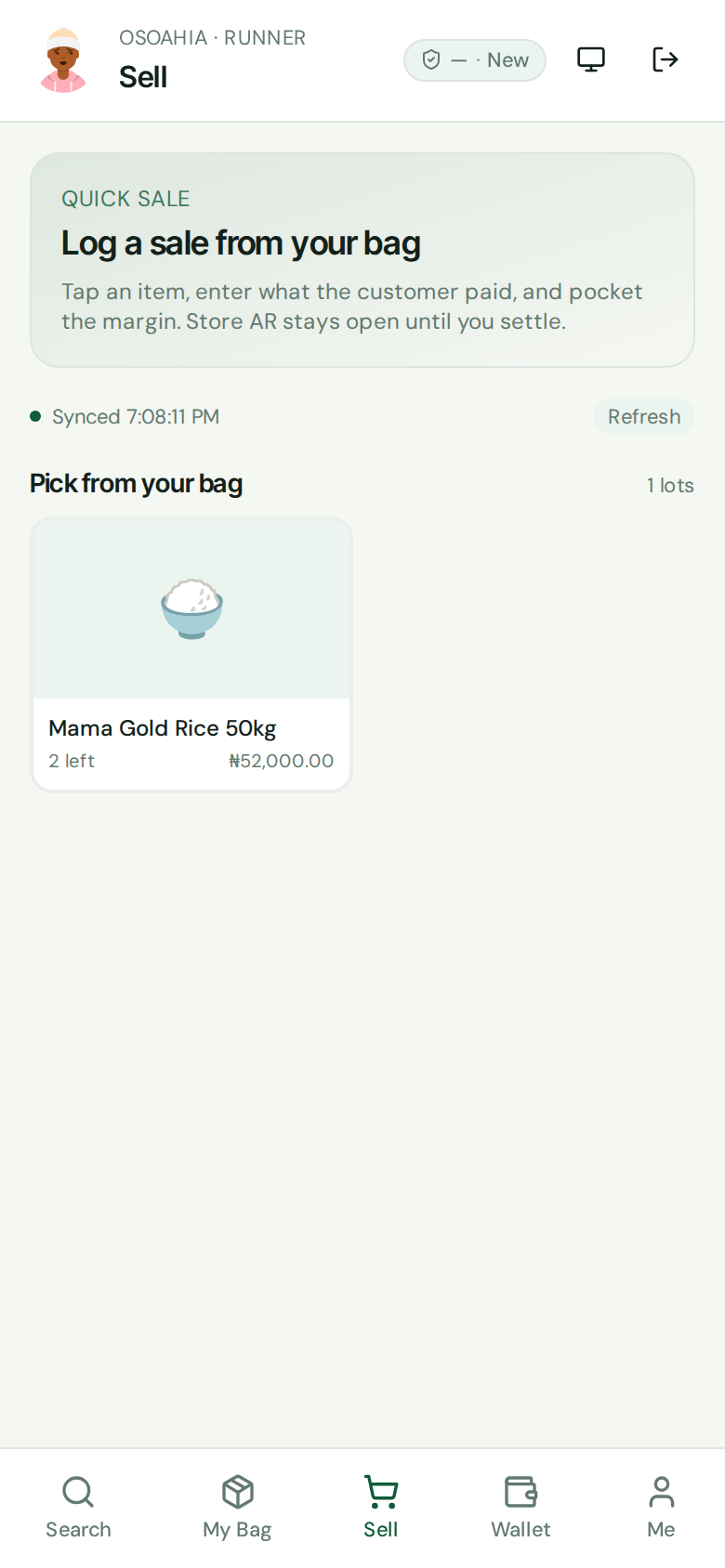
Open Sell. Tap an item from the bag. Type what the customer paid. The margin is yours. Store credit stays open until you settle. This does not print a till receipt.
5. Settle in Wallet
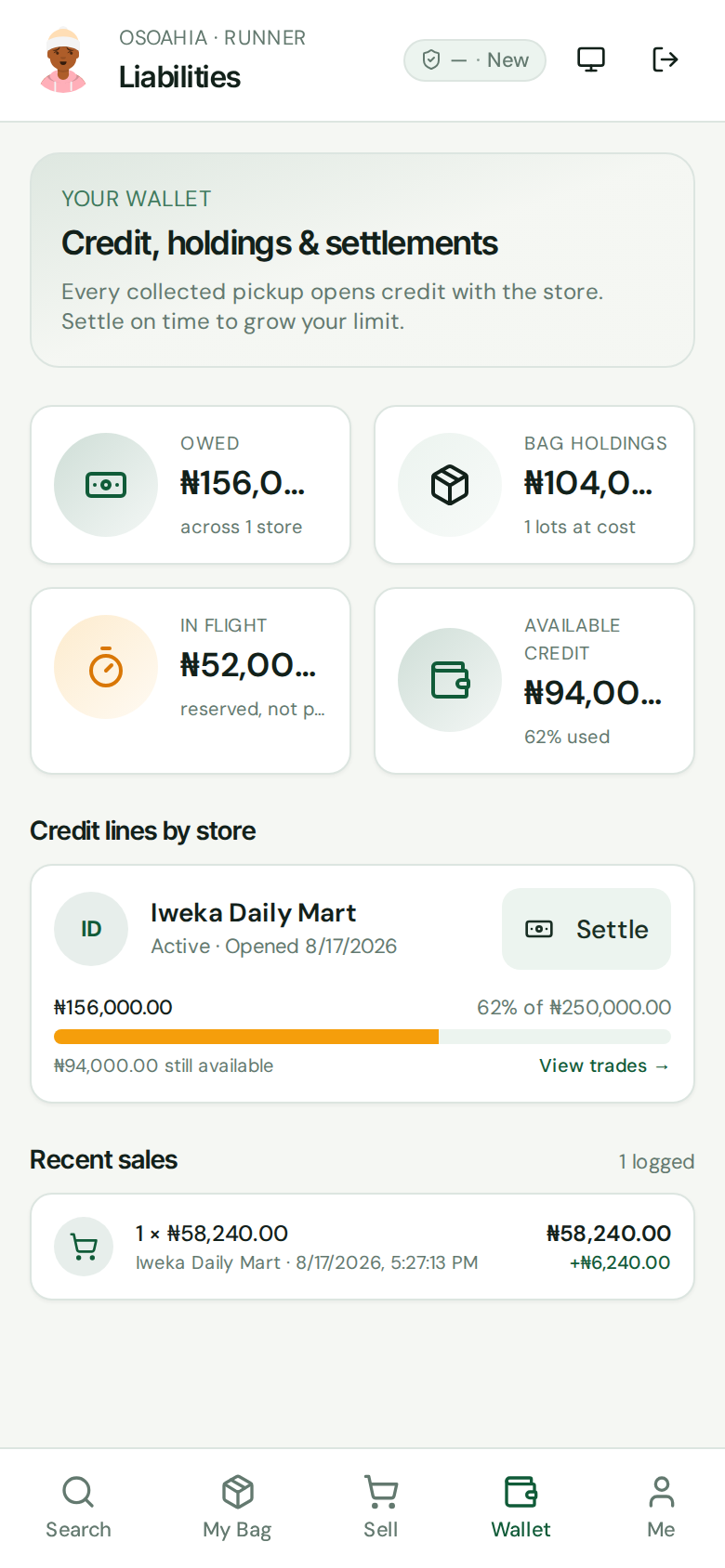
Open Wallet. Owed is open store credit. Settle on time so the store can raise your limit. A settlement is not a bank match in Daily Close.
What done looks like
- Search shows listings from linked stores.
- A reserve holds stock for pickup. My Bag shows what you carry and what is still on hold.
- Sell logs a virtual sale to the runner wallet. Wallet shows what you owe and lets you settle.
Common mistakes
- A runner sale is not drawer cash. Do not add it to Daily Close as till money.
- Do not reserve more than you can collect and settle.
- If the profile is still in review, you can browse. You cannot reserve yet.