Locations
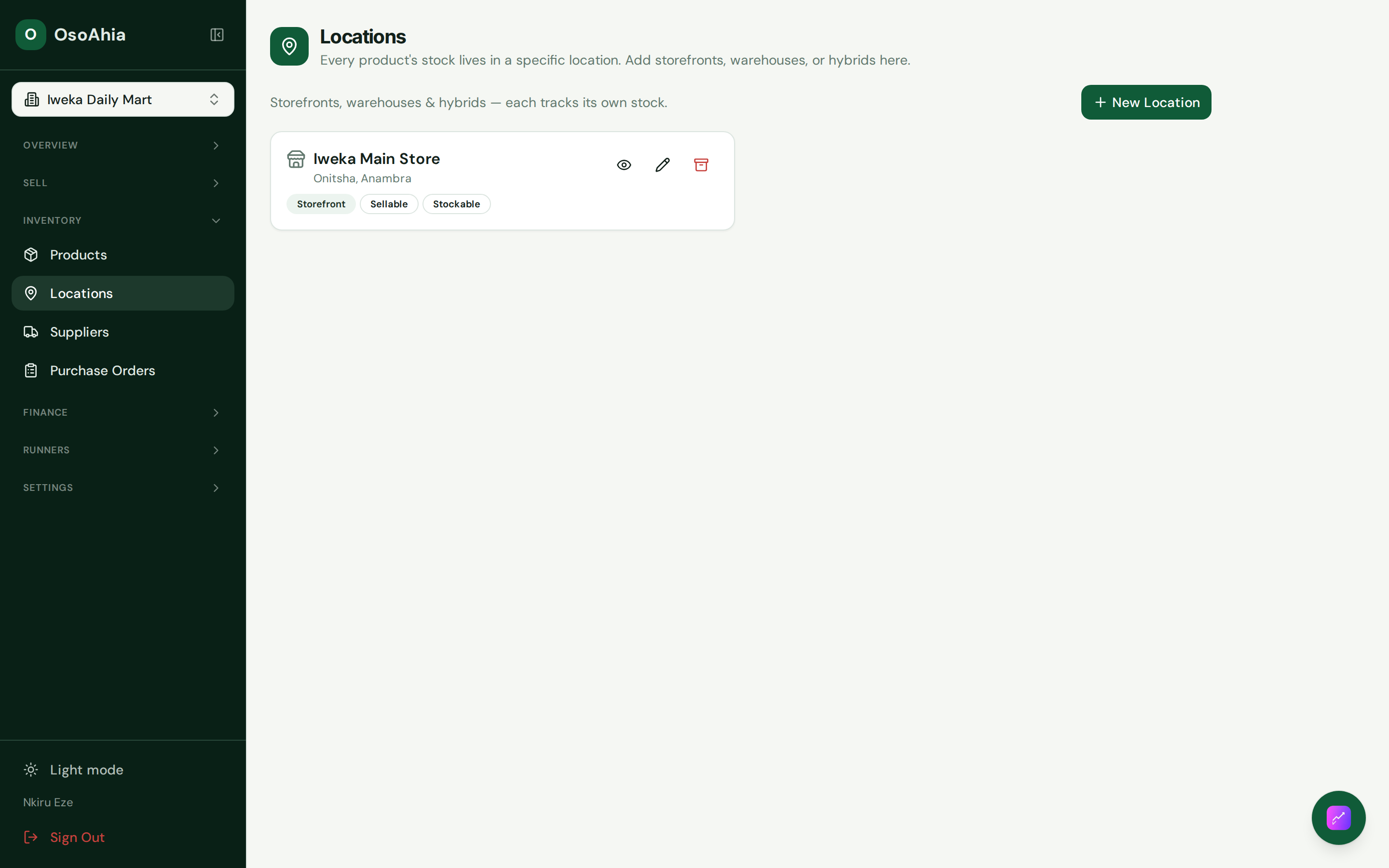
Shops and warehouses. Sellable places show on the till. Stockable places hold goods. Daily Close is one location and one date. Add a second shop if you sell from more than one place.
Who uses this
The owner, when you add a shop or a warehouse, or when you change whether a place can sell.
What you need first
- Owner sign-in
Steps
1. Review shops and warehouses
Open Locations. Confirm the main store is active and sellable. Add another shop if you sell from more than one place. Add a warehouse only if you keep stock that should not sit on the till. After you save, open the record and check the badges.
What done looks like
- The main store is storefront, sellable, and stockable.
- A warehouse can hold stock without appearing as a till location.
Common mistakes
- There is no one close for the whole organization. Close each shop.
- You cannot sell from a warehouse that is not marked sellable.