Team and roles
Invite cashiers, managers, and a book person. The plan’s seat limit applies. You cannot invite another owner from this screen.
Who uses this
The owner, when someone new needs a till or books access, or when you take access away.
What you need first
- Owner sign-in
- An open seat on the current plan
Steps
1. Open Team
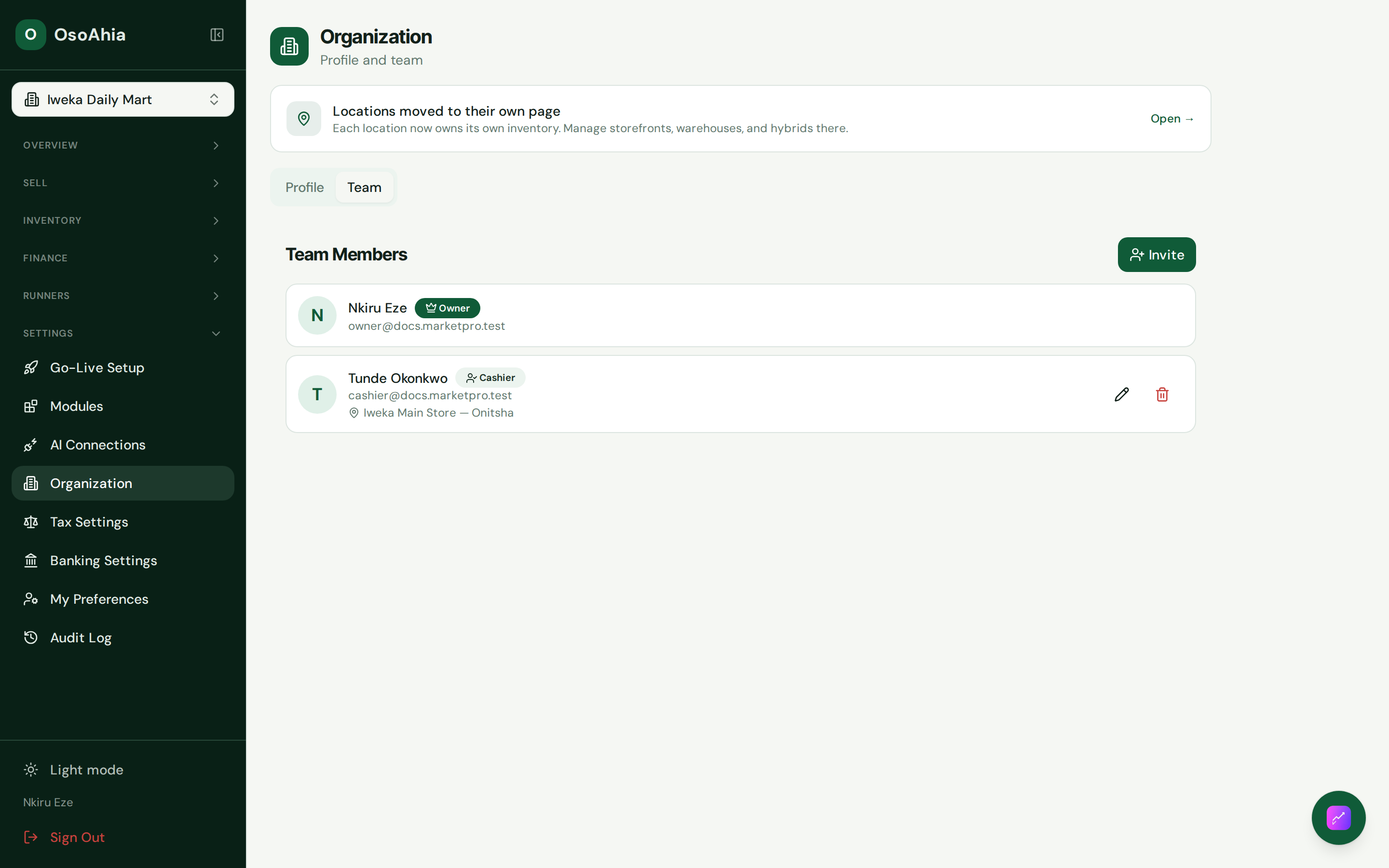
On Organization, open the Team tab. Invite by email. Pick cashier, manager, or accountant. Assign locations. Invite links work once and only for that email. Do not paste them into a group chat.
You cannot invite an owner here. Promoting someone to owner is a platform-admin action.
2. Check the plan
Each accepted invite uses a seat. If the plan is full, the invite is refused. Ask support or upgrade before you add more people.
What done looks like
- Invited people show the right role after they accept.
- No second owner appears from a public invite.
Common mistakes
- Do not share the owner password. Send an invite.
- A cashier with no shop assigned cannot start a sale.
- Do not invite an accountant on a stall plan unless you mean to give them the books.